Restart ProControl Remote Control
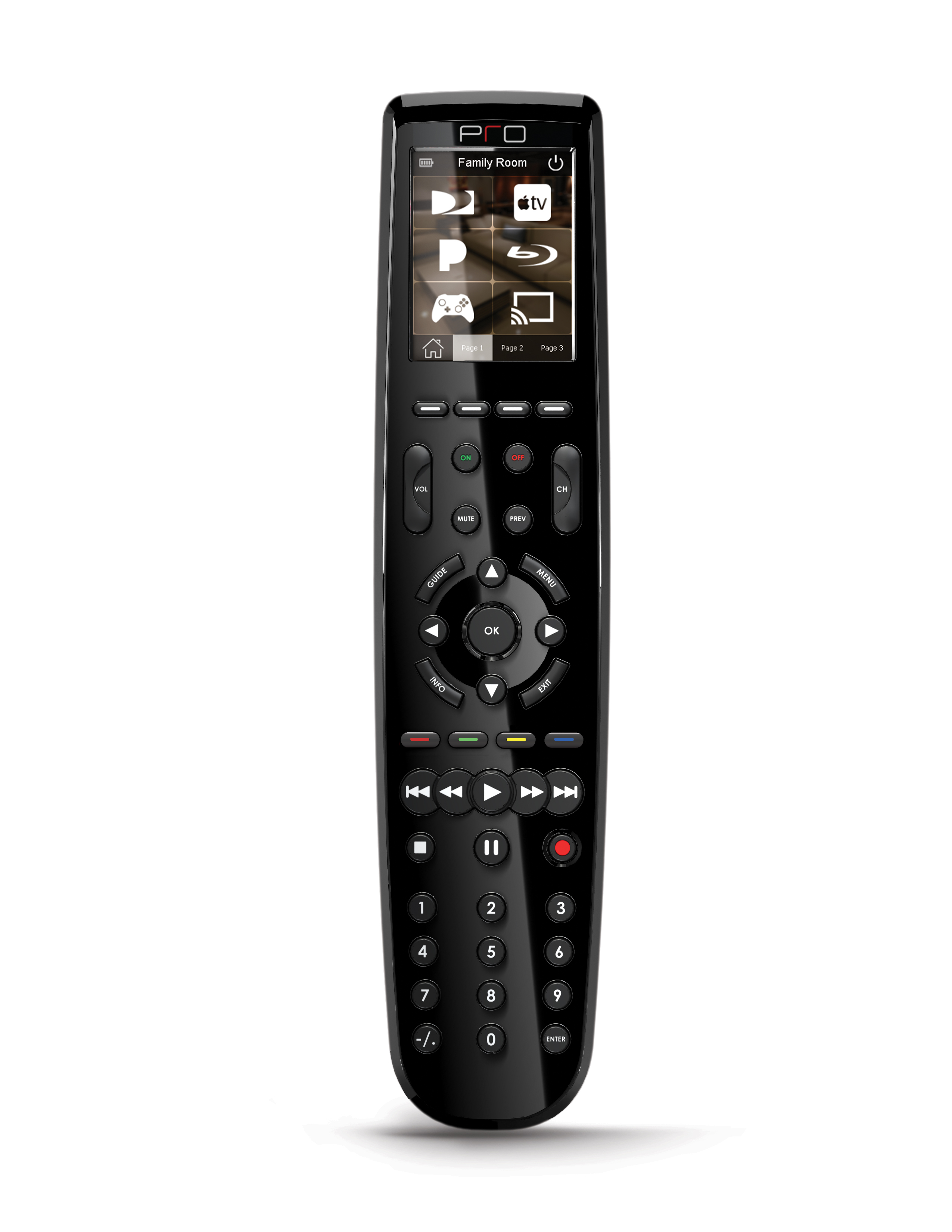
If your ProControl remote became non-responsive or "acting" differently from normal operation, please follow these steps to restart the remote control.
- Turn the remote with the back cover facing you
- Slide the larger part of the from the center towards the edge. You may need to apply light pressure at the center
- Slide the back cover completely out
- Locate the power switch next to the battery
- Turn the switch off and wait 5 seconds
- Turn the switch on
- Replace the cover back by sliding it until you hear/feel a small click and the cover is locked
- Test your remote
Related Articles
Restart RTI T2x Remote Control
Sometimes, you may need to restart your remote control to clear any error messages and/or the memory. This is normal with any electronic device, unless it happens too frequently. Please follow these steps to reboot/restart your RTI T2x Remote POWER ...Comelit Mobile App
Free and compatible with all modern devices, the Comelit app allows you to: - Receive calls from the entrance panel wherever you are - Review video recordings taken from the cameras in your system (including the entrance panel camera) - Review video ...